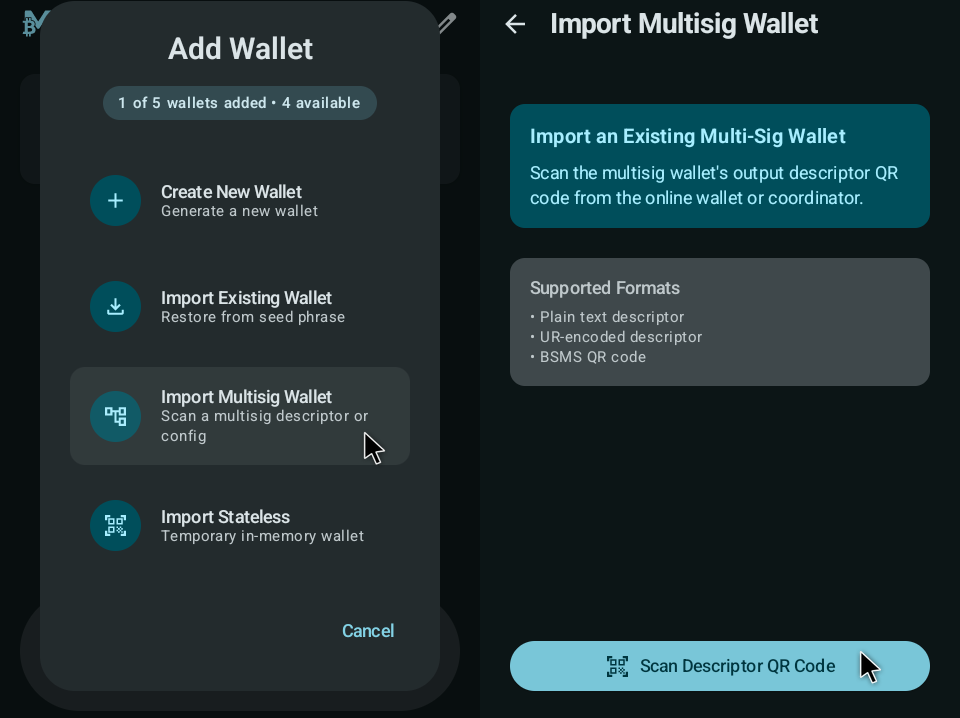
MetroVault
- Turns an old Android device into a dedicated offline Bitcoin signing device.
- Uses QR-based PSBT and multisig descriptor workflows with Bitcoin-Safe.
- Requires a factory reset and signer-only use with no internet, no SIM, and no other apps.
Bitcoin-only
 QR
What to Expect
- Reset an old Android device before installation and use it only as a fully featured bitcoin signer.
- Do not install other apps, sign in to accounts, insert a SIM card, or reconnect the device to the internet.
- The security is not as high as a dedicated bitcoin hardware signer, so do not use single-sig with large funds.
Reset Android Device And Use It Only As An Offline Signer
MetroVault now has a comprehensive device setup guide. We strongly recommend following it step by step and treating it as a requirement: use a dedicated, factory-reset OFFLINE phone that stays disconnected from the internet after setup and is used only for signing.
- Factory reset the phone before installation.
- Skip Google account setup and keep the device offline.
- Leave Airplane mode enabled permanently.
- Disable Wi-Fi, Bluetooth, NFC, and mobile data.
- Remove the SIM card.
- Disable USB debugging.
- Do not install other apps or use the phone for anything except signing.
If you cannot keep the device offline, DO NOT USE IT and buy a dedicated hardware signer instead.
Instructions
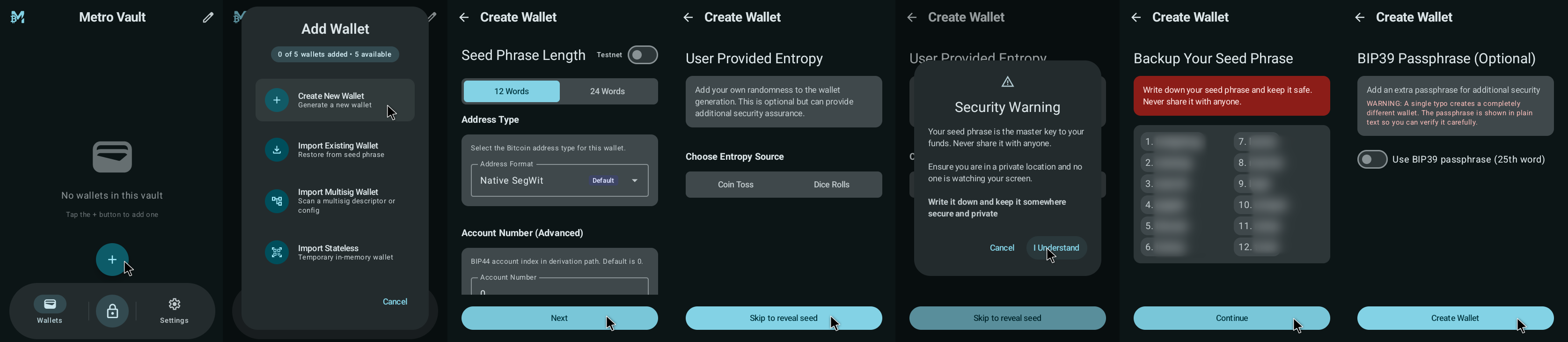
Generate seed
Create a fresh seed on the device before pairing it.
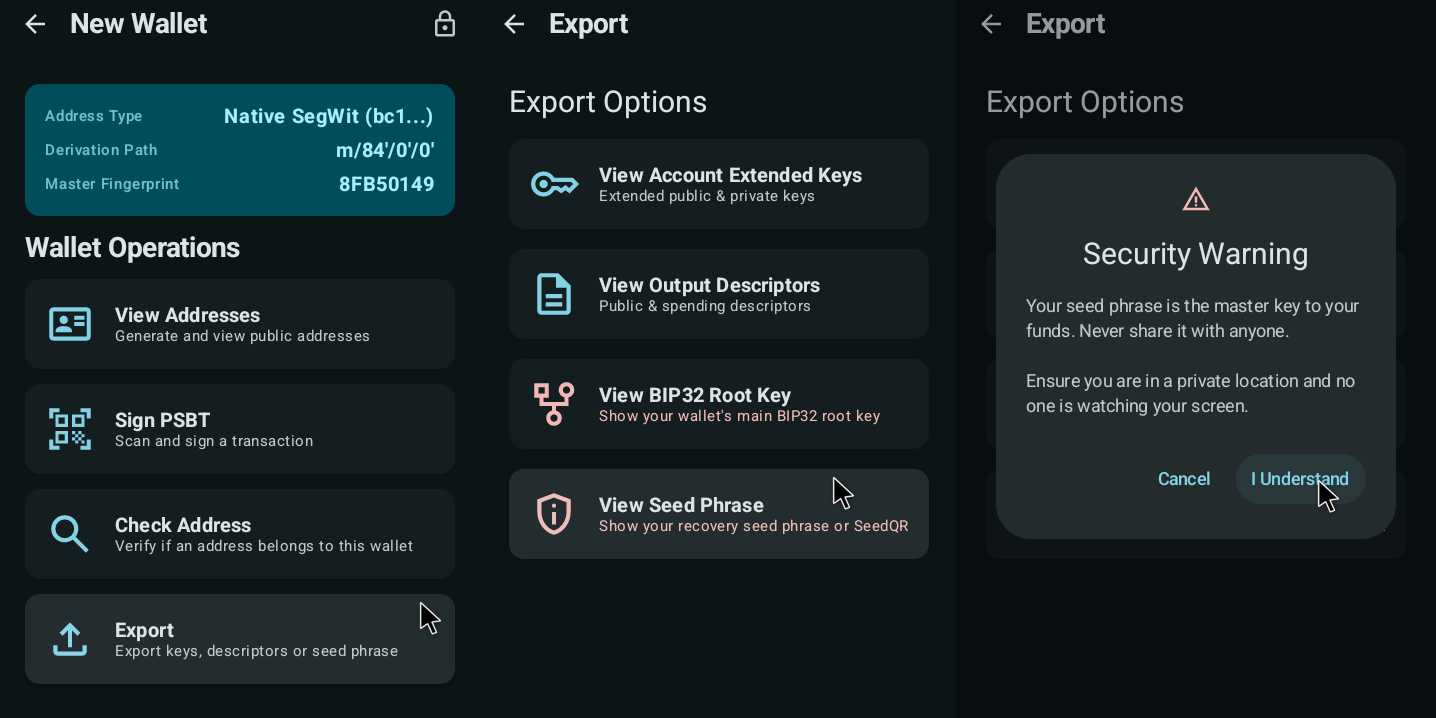
View seed
Verify the seed words directly on the device screen.
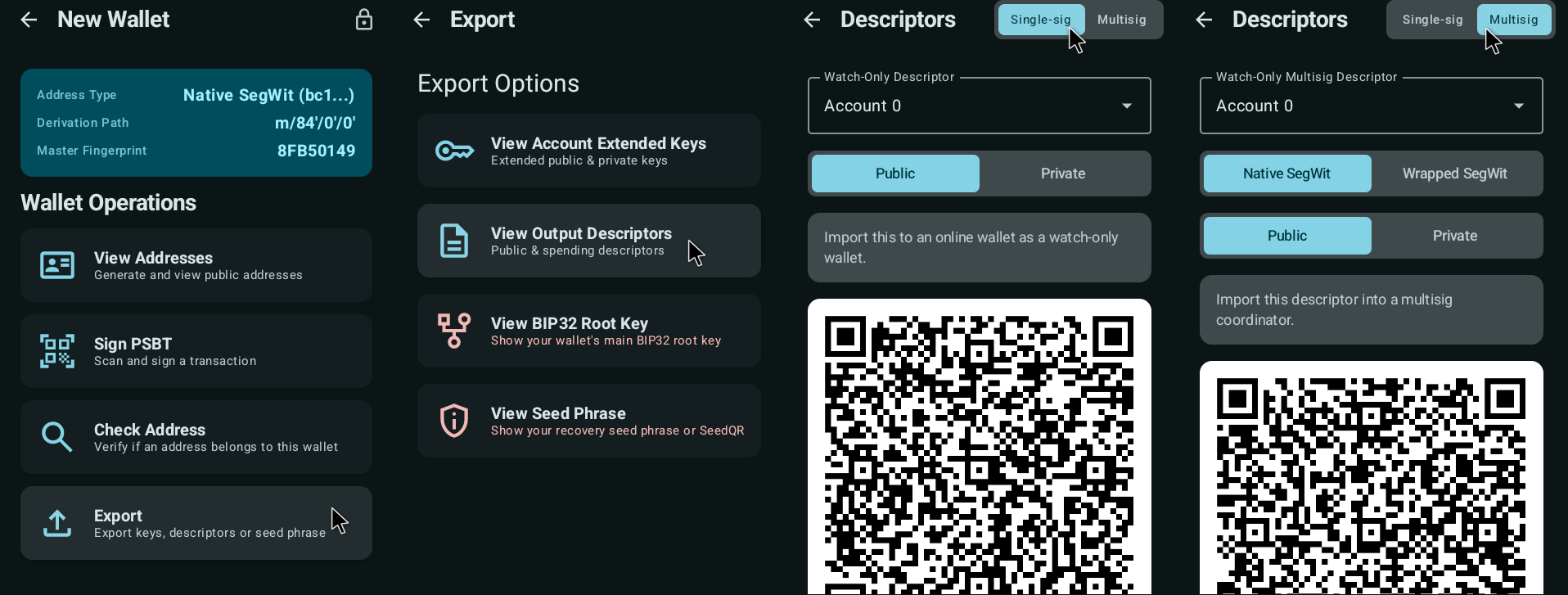
Signer export
Export the signer file/descriptor for backups and coordination.
Register multisig descriptor
Load the multisig descriptor so the signer knows the wallet map.